5 EdTech Tools Worth Exploring in 2026
Five useful EdTech tools worth exploring in 2026, from AI-assisted research and classroom engagement to organization, forms and interactive learning.
There are more EdTech tools than any teacher has time to explore.
While browsing recent posts and recommendations from Dr. Monica Burns at Class Tech Tips, a few caught our attention. Rather than repeat her reviews, we've picked five worth putting on your radar, with links to Monica's original posts if you want to explore them further.
And we've added one more tool of our own at the end.
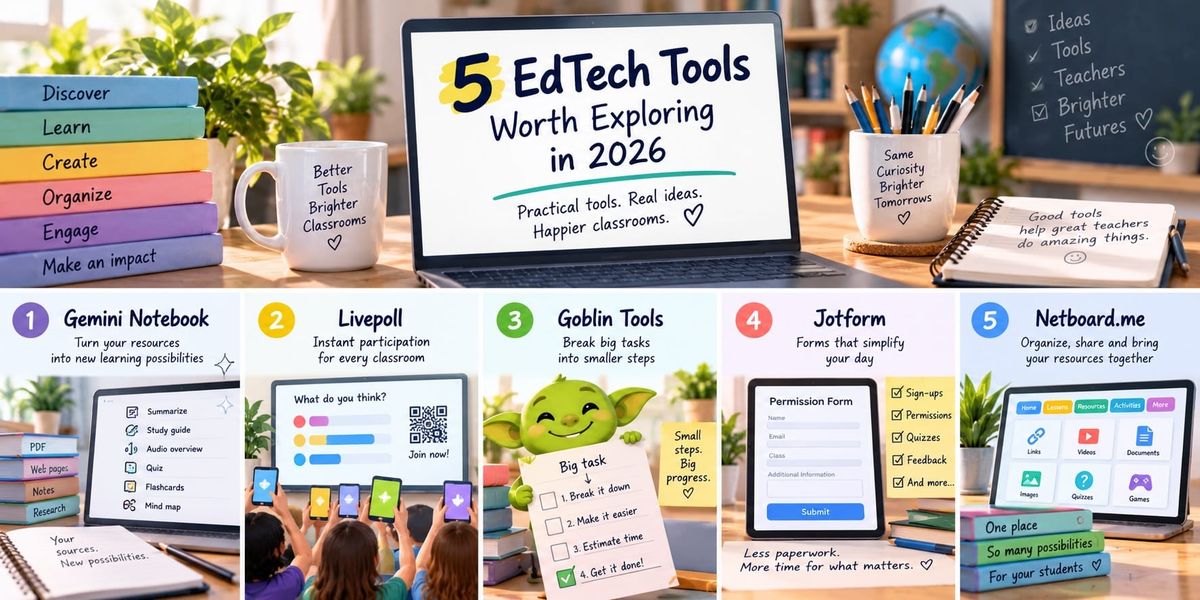
1. Gemini Notebook
Google's NotebookLM has a new name: Gemini Notebook.
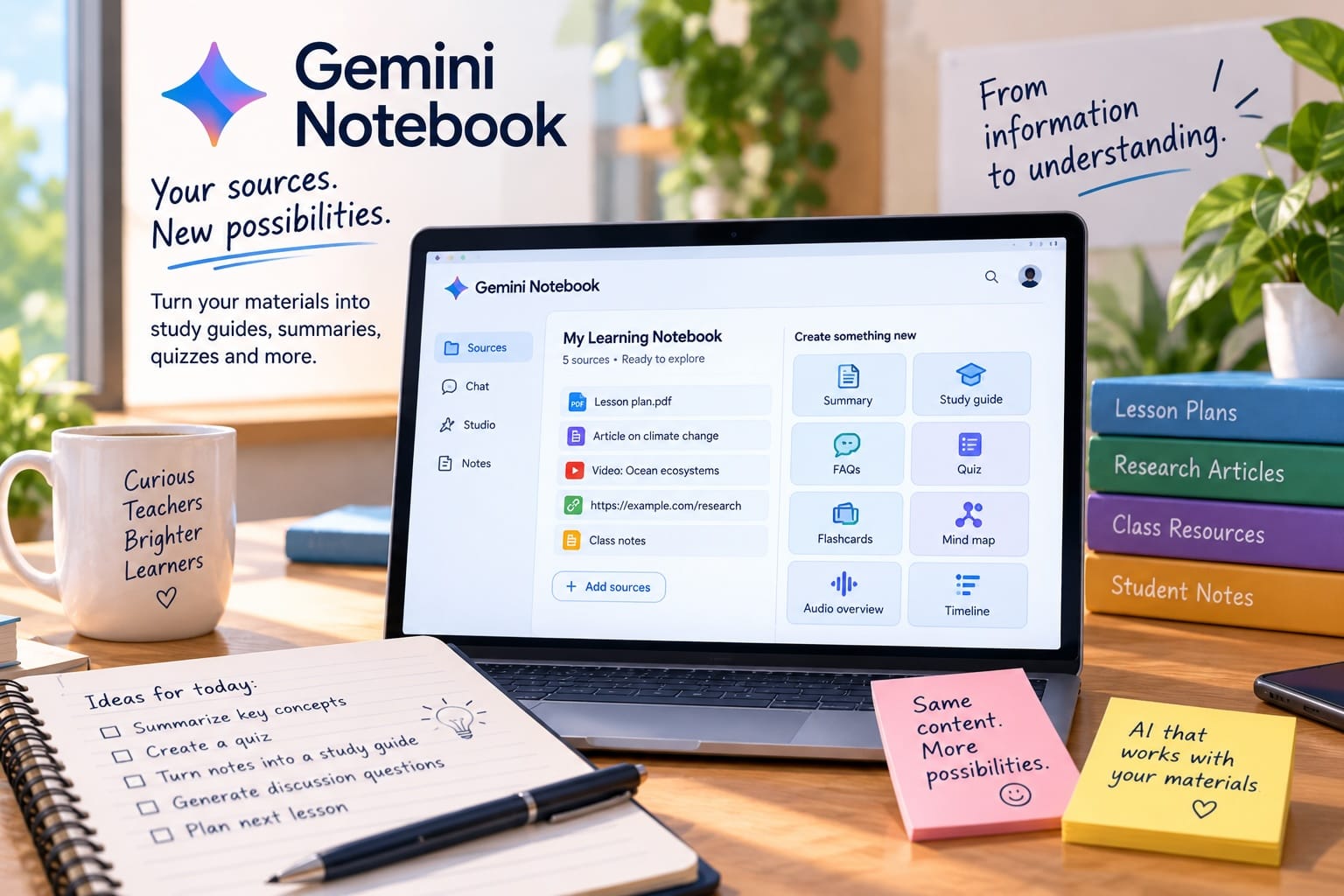
The interesting thing about it isn't simply that it's another AI tool. You give it your own sources — documents, websites, notes and other materials — and it can help turn them into things such as study guides, audio overviews, quizzes, flashcards, mind maps and other learning resources.
For teachers working with a collection of existing material, that's a rather different proposition from starting with a blank AI chatbot.
Explore the tool: Gemini Notebook
Worth reading: Monica Burns takes a closer look at the change from NotebookLM to Gemini Notebook and what it means for teachers in Gemini Notebook for Teachers: Everything to Know About the New NotebookLM Name.
2. Livepoll
Sometimes you don't need another classroom platform. You just need to ask everyone a question.
That's what makes Livepoll interesting. Teachers can launch a live poll, share a QR code or link, and let students participate without creating accounts.
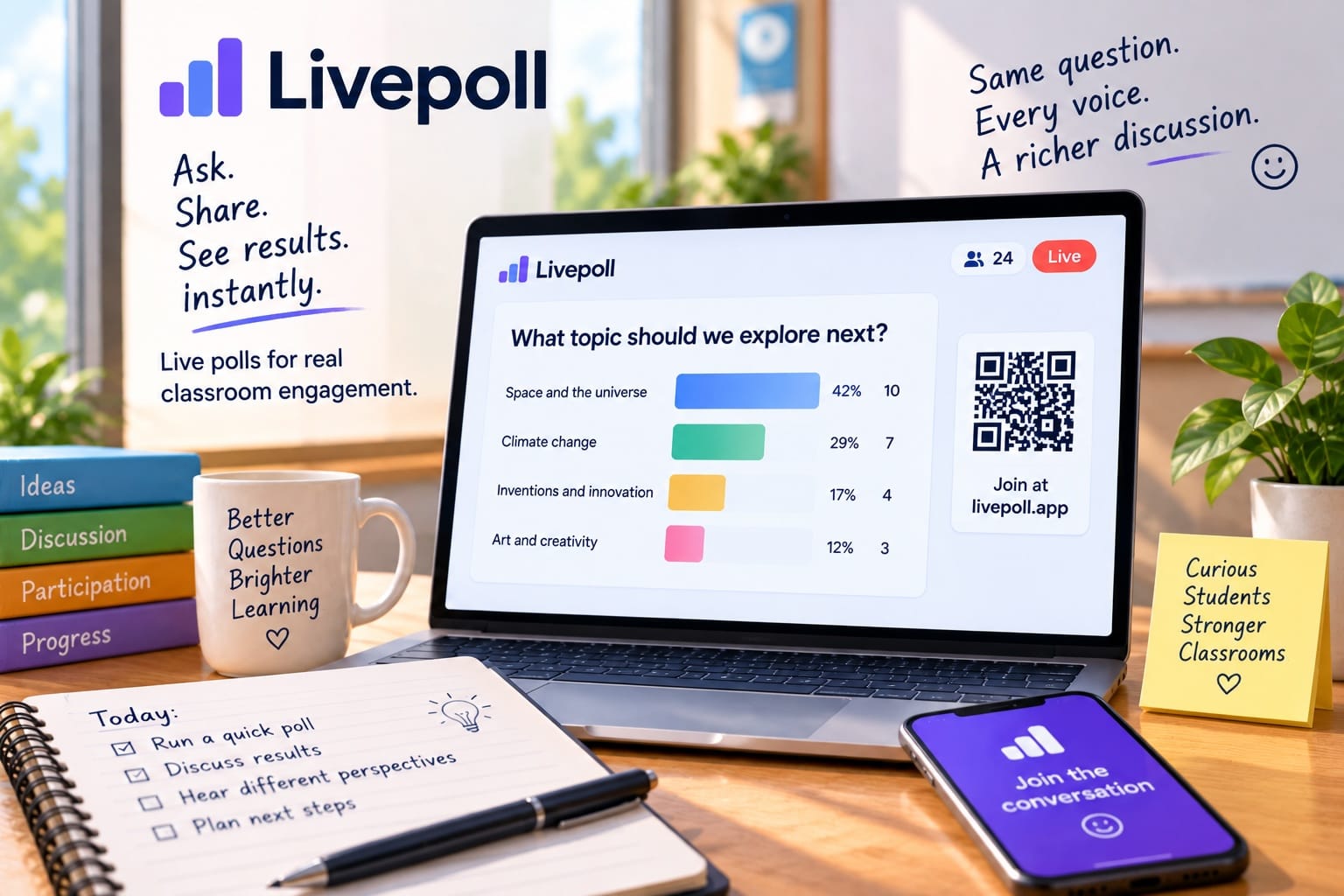
It supports multiple question formats and can be useful for quick checks for understanding, classroom discussions, predictions or simply getting responses from students who might not raise their hands.
Explore the tool: Livepoll
Worth reading: Monica Burns recently featured Livepoll as a simple way to get a whole class participating quickly. Read more on Class Tech Tips.
3. Goblin Tools
Goblin Tools is an interesting collection of small AI-powered utilities rather than one giant classroom platform.
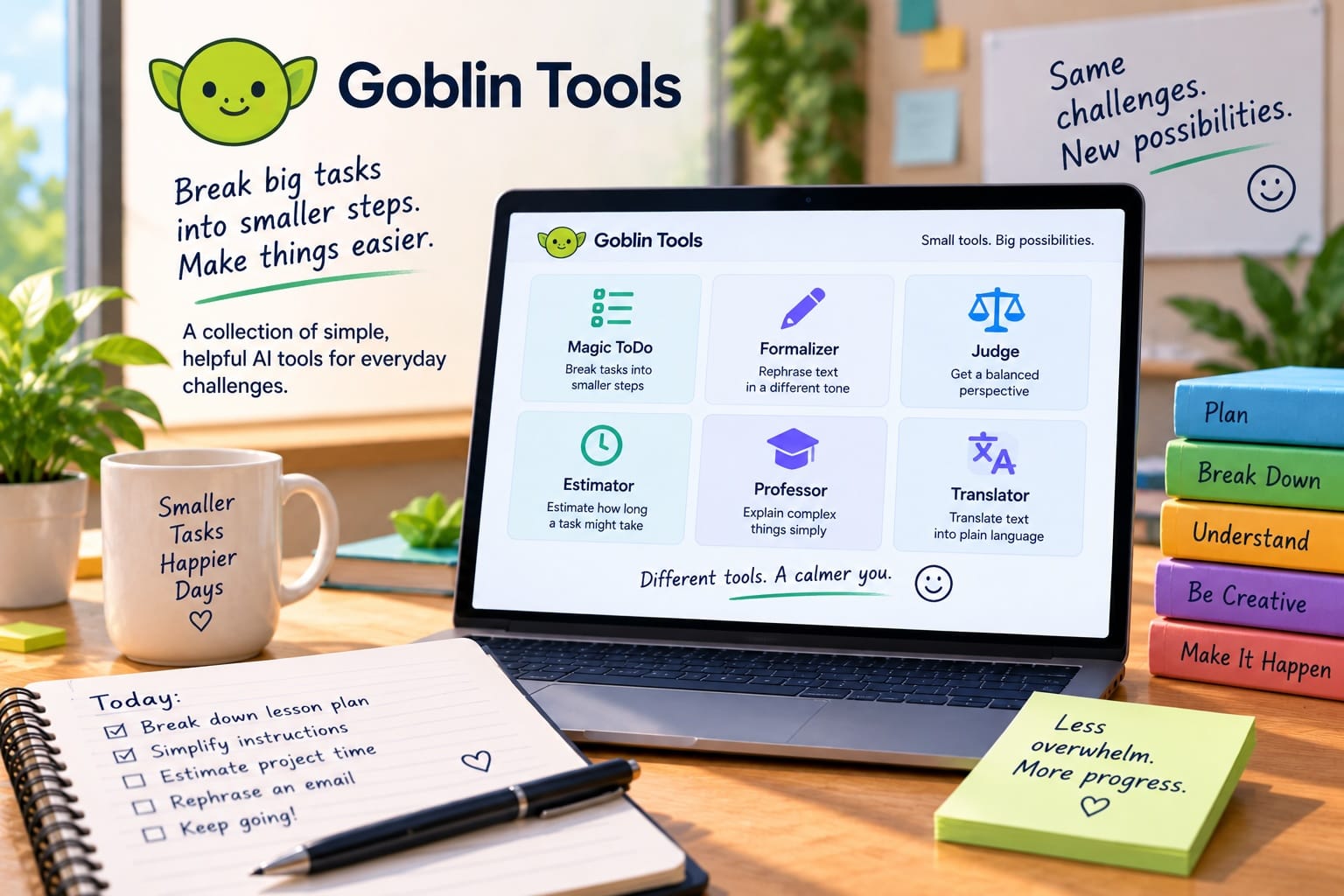
One of its best-known features can break a complicated task into smaller steps. Other tools can help rephrase writing, estimate how long tasks might take, or make text easier to understand.
That makes it particularly interesting when thinking about executive-function support and accessibility rather than AI simply generating student work.
Explore the tool: Goblin Tools
Worth reading: Monica discusses Goblin Tools in a 2026 conversation about AI and assistive technology in education: How AI Is Changing Assistive Technology in Education.
4. Jotform
Forms aren't the most exciting category of EdTech — until you think about how many of them schools actually use.
Jotform goes well beyond a basic survey. Teachers can create permission forms, sign-ups, quizzes, parent communication forms and other workflows without coding. Its AI tools can also create a first draft of a form from a description.
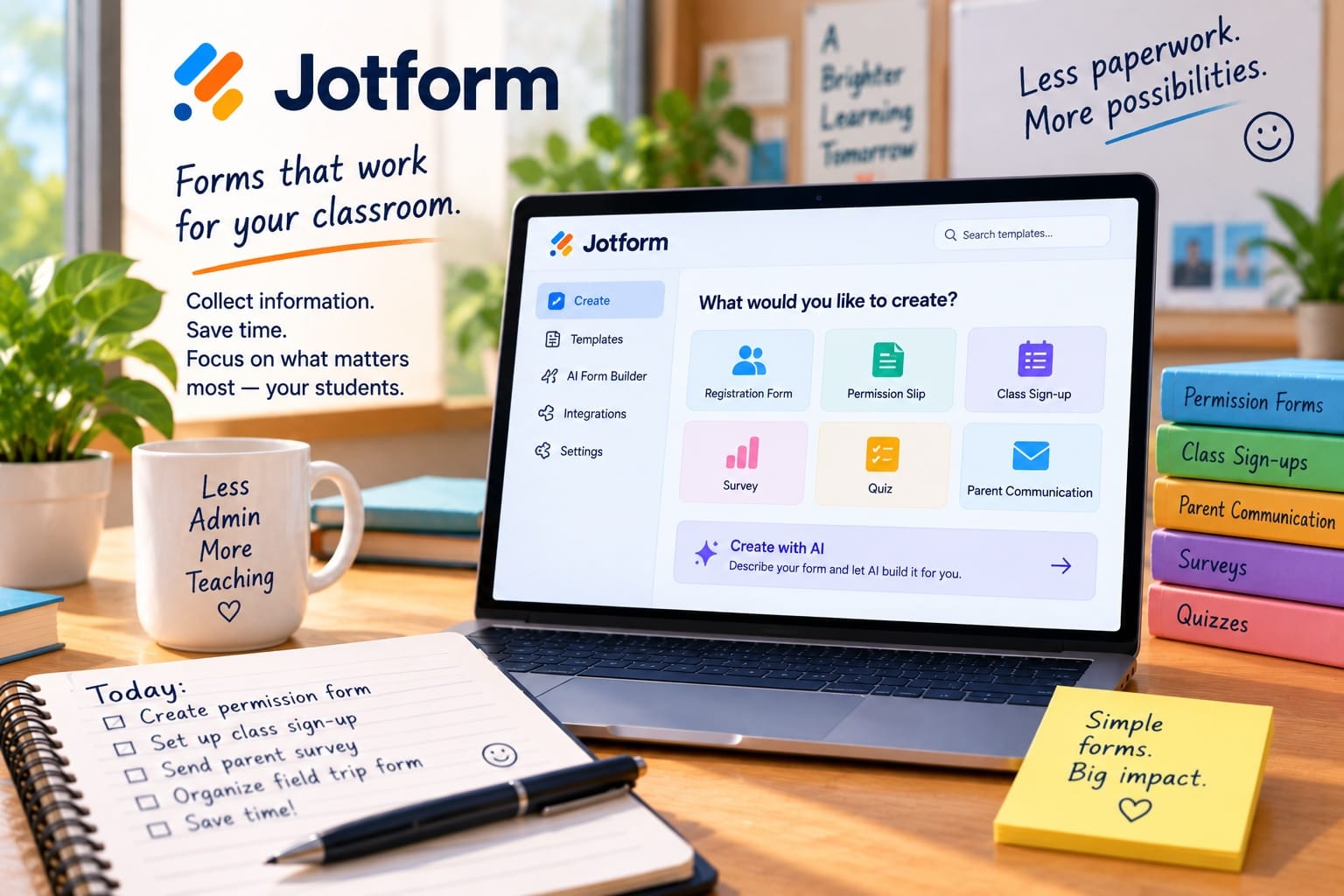
It's the sort of technology that may be most valuable when students barely notice it: less administration, fewer pieces of paper and simpler everyday workflows.
Explore the tool: Jotform
Worth reading: Monica has a more detailed look at its classroom possibilities in An Online Form Builder for Education: Everything You Need to Know About Jotform for Teachers.
5. Netboard.me
Our final pick isn't from the Class Tech Tips articles above.
Netboard.me is worth exploring if your problem isn't creating another individual activity, but organizing everything you already have.
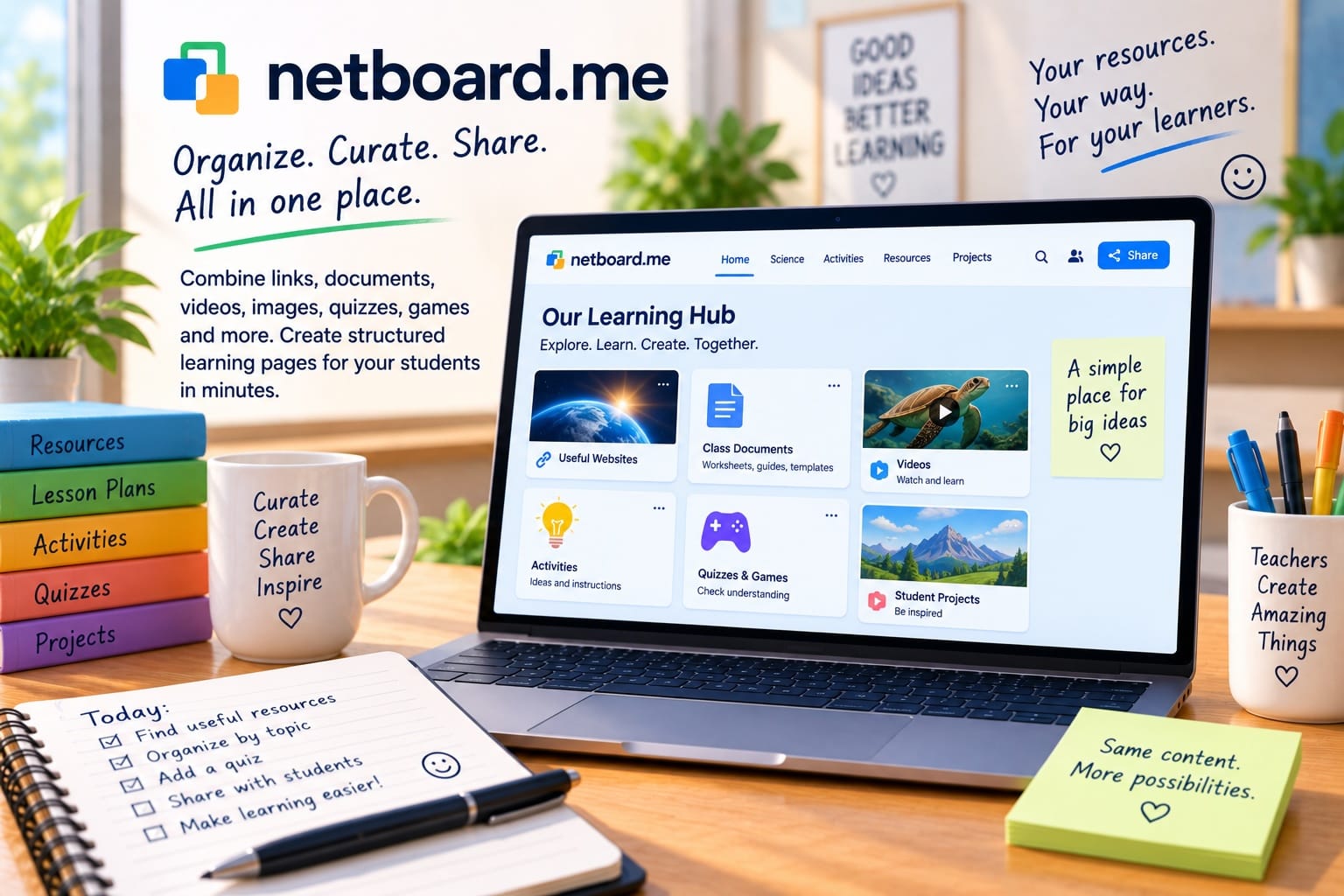
Teachers can build visual learning pages combining links, documents, videos, images, text, quizzes, games and other resources, then organize them into tabs and sections and share them with students.
It can work as a simple resource collection, a lesson page, a class hub or a larger structured collection that grows over time.
That's particularly useful when the real problem isn't finding more digital tools — it's giving students one understandable place to find everything.
Explore the tool: Netboard.me
Worth reading: Monica Burns explores how Netboard.me can be used to bring resources, games, quizzes and other learning materials together in How to Create Interactive Learning Pages with Games and Quizzes.
Five tools, five very different jobs
What's interesting about this list is how little the tools overlap.
Gemini Notebook helps you work with source material. Livepoll gets a classroom response quickly. Goblin Tools can break down difficult tasks. Jotform handles information and workflows. Netboard.me organizes and shares learning resources.
That's probably a healthier way to think about EdTech than looking for one platform that does everything.
Start with the job. Then choose the tool.
For many more practical EdTech ideas and recommendations, visit Monica Burns' Class Tech Tips.